Lumvio Creative Presentation Template Guide
In a digital landscape saturated with generic slide decks, standing out requires more than just good content; it demands a visual narrative that resonates. The Lumvio Creative Presentation Template addresses this specific challenge by bridging the gap between high-end graphic design and practical business communication. Rather than forcing users to choose between aesthetic appeal and functional utility, this template integrates both into a cohesive system designed for modern professionals. Whether you are pitching a startup to venture capitalists or showcasing a photography portfolio, the underlying architecture of Lumvio supports diverse storytelling needs without requiring advanced design skills.
Versatility Across Professional Landscapes
One of the most significant advantages of introducing Lumvio Creative Presentation into your workflow is its adaptability. Many templates are pigeonholed into specific niches, but Lumvio is engineered for cross-functional use. This flexibility is crucial for freelancers and agency owners who manage multiple clients across different industries. A creative agency might use the bold, typography-heavy slides for a branding case study, while a corporate team could utilize the cleaner, data-driven layouts for a quarterly review. The transition between these styles feels organic rather than disjointed because the design language remains consistent throughout.
For entrepreneurs and startup founders, the pitch deck functionality is particularly valuable. Investors often review dozens of decks daily, making visual fatigue a real barrier to funding. Lumvio provides structured layouts specifically designed to highlight problem-solution dynamics, market size, and financial projections without looking like a standard textbook. Similarly, educators and trainers can leverage these layouts to break down complex information. The handcrafted infographics transform dry statistics into digestible visual concepts, improving retention rates during lectures or workshops. This utility extends to personal portfolios as well, allowing photographers and designers to present their work in a format that respects whitespace and image hierarchy.
Technical Features That Drive Efficiency
A beautiful template is useless if it takes hours to modify. The Lumvio Creative Presentation Template prioritizes user experience through its Master Slide architecture. This is perhaps the most critical technical feature for non-designers. Instead of formatting individual elements on every single slide, changes made to the Master Slide propagate instantly across the entire deck. If you need to update your company logo, adjust the color palette to match a new brand guideline, or change the default font, you can do so globally in seconds. This ensures consistency and drastically reduces the time spent on manual adjustments.
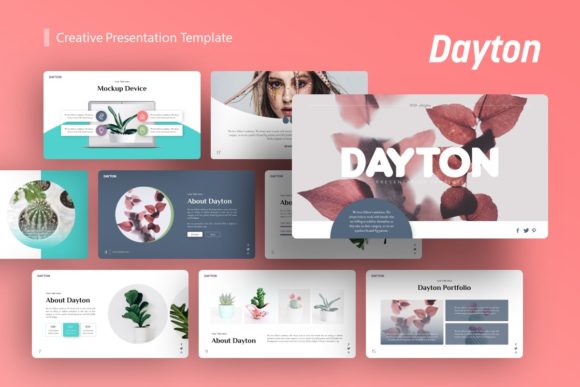
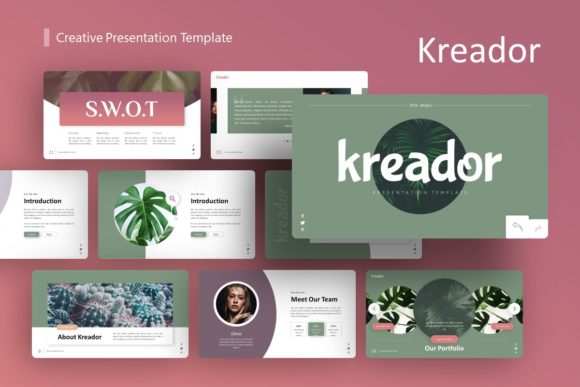
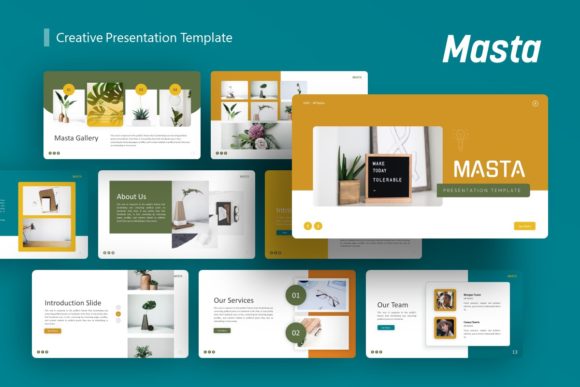
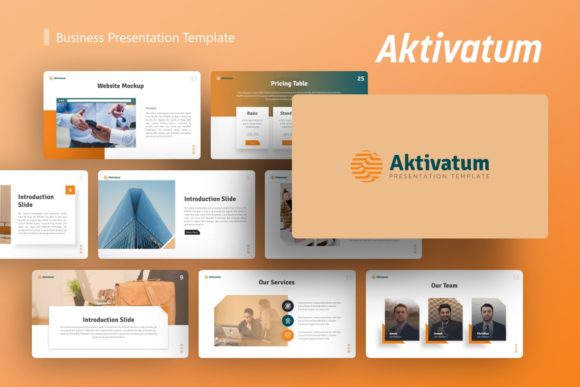
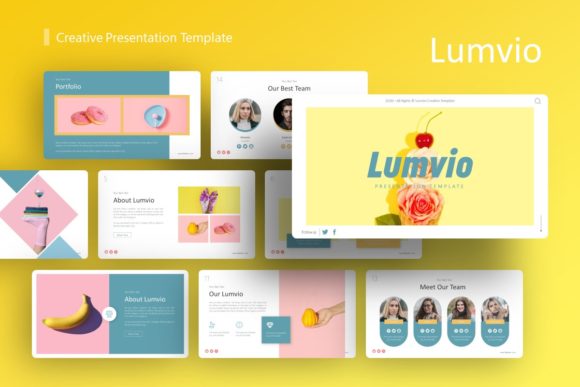
The template includes 36 unique slides per variation, providing a comprehensive library of options without overwhelming the user. Each slide serves a distinct communicative purpose, from timeline overviews and team introductions to comparative analysis and gallery grids. Crucially, all graphics are fully resizable and editable vectors. Unlike raster images that pixelate when stretched, these illustrations maintain crisp edges at any dimension. This scalability is essential for presentations that may be viewed on everything from mobile devices to large conference hall screens. The inclusion of picture placeholders with drag-and-drop functionality further streamlines the customization process, allowing users to swap stock photos for their own assets without breaking the layout alignment.
Enhancing Communication Through Visual Hierarchy
Effective presentation design is not merely about decoration; it is about guiding the audience’s attention. Lumvio excels in establishing clear visual hierarchies that support the speaker’s message. The pixel-perfect illustrations and balanced compositions prevent cognitive overload, ensuring that viewers focus on key takeaways rather than distracting clutter. For marketing professionals, this means higher engagement during webinars and client meetings. When data is presented through thoughtfully designed infographics rather than dense tables, comprehension improves significantly.
This attention to detail also reinforces brand credibility. In professional environments, sloppy alignment or inconsistent styling can subconsciously signal a lack of care or expertise. By utilizing a professionally crafted framework, businesses project competence and polish. The template acts as a guardrail, preventing common design mistakes that often occur when building decks from scratch. Even users with minimal design training can achieve agency-quality results because the foundational spacing, contrast ratios, and typographic pairings have already been resolved by experts.
Practical Considerations for Implementation
Before integrating Lumvio into your next project, there are several practical factors to consider to ensure a smooth workflow. First, verify your software compatibility. The template is delivered as a PowerPoint .PPTX file, which offers broad accessibility but requires a relatively recent version of Microsoft Office or compatible alternative software to render all effects correctly. While the documentation file included in the package provides setup instructions, familiarizing yourself with Master Slides beforehand will accelerate your learning curve.
It is also important to manage expectations regarding imagery. As noted in the product details, all images in the demo are for preview purposes only and are not included in the download. This is standard industry practice due to licensing restrictions, but it means you must have your own visual assets ready. Plan your content strategy before opening the file. Having high-resolution photos, finalized copy, and accurate data prepared will make the drag-and-drop process seamless. Trying to source images and write content simultaneously while designing often leads to frustration and delays.
- Asset Preparation: Gather all logos, team headshots, and product photography in a dedicated folder before starting.
- Color Codes: Have your brand’s HEX or RGB codes ready to input into the theme settings immediately.
- Content Audit: Review your existing text to see if it fits the provided layouts, or be prepared to edit copy for brevity.
- Vector Icons: Utilize the included vector icon set to maintain stylistic consistency rather than mixing in external clip art.
Maximizing Return on Creative Investment
Investing time in learning a robust template like Lumvio pays dividends beyond a single presentation. It establishes a reusable visual system that can evolve with your organization. Over time, teams can create custom master variations tailored to specific recurring meeting types, such as weekly stand-ups or monthly reports. This institutional knowledge reduces onboarding friction for new employees and maintains brand integrity across departments.
Furthermore, the efficiency gains translate directly to productivity. Hours previously spent wrestling with text boxes and aligning shapes can now be redirected toward refining the narrative and rehearsing delivery. In high-stakes environments like sales pitches or academic defenses, this extra preparation time is often the differentiator between success and failure. The template handles the visual heavy lifting, freeing the presenter to focus on connection and persuasion.
Ultimately, the Lumvio Creative Presentation Template serves as a strategic tool rather than just a decorative overlay. It acknowledges that modern audiences expect professional-grade visuals regardless of the context. By combining extensive slide variety with deep customization capabilities and user-centric features like master slides and editable vectors, it empowers users to communicate with clarity and confidence. Whether for a solo freelancer building a personal brand or a corporation streamlining internal communications, Lumvio provides the structural foundation necessary to turn ideas into impactful visual experiences.